Inside the Popup
Every Tab Is a Deep-Dive
The score card on top tells you the headline number. The tabs below give you the complete breakdown: readable at a glance, fixable in minutes.
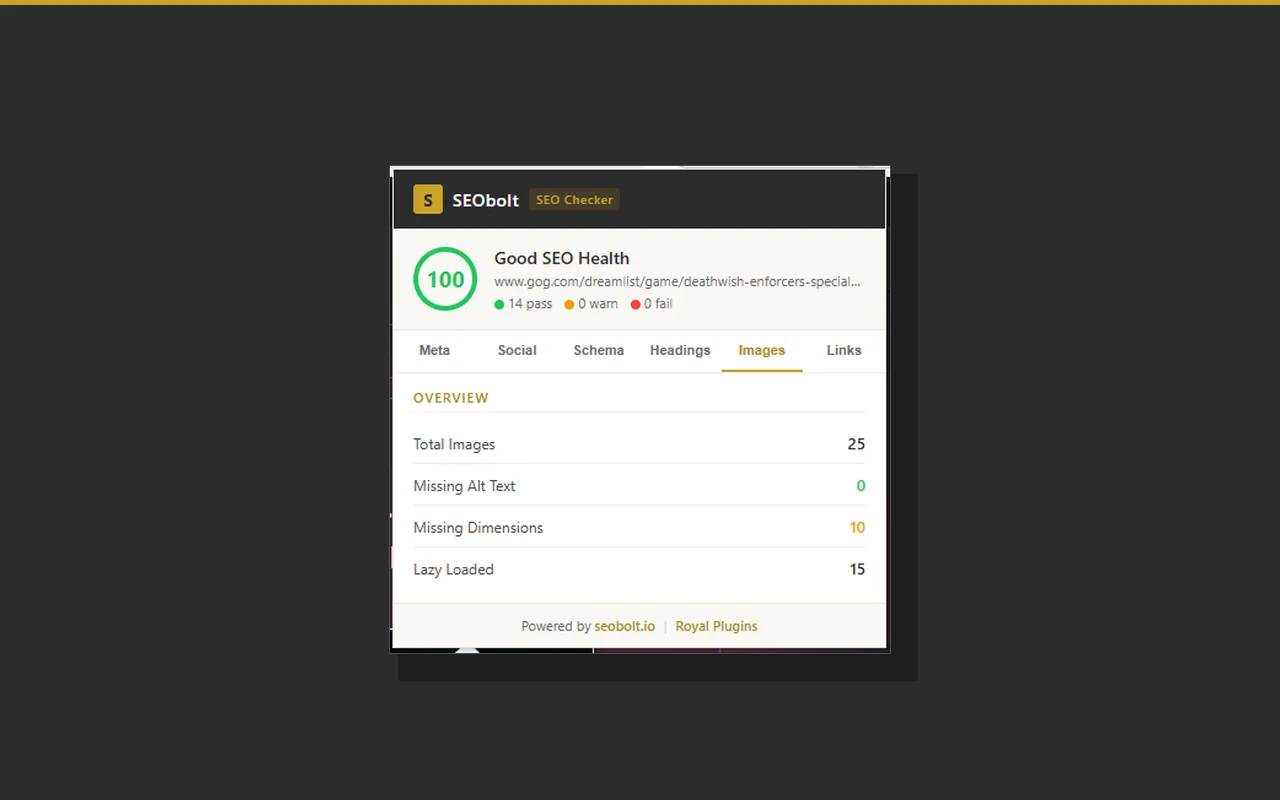
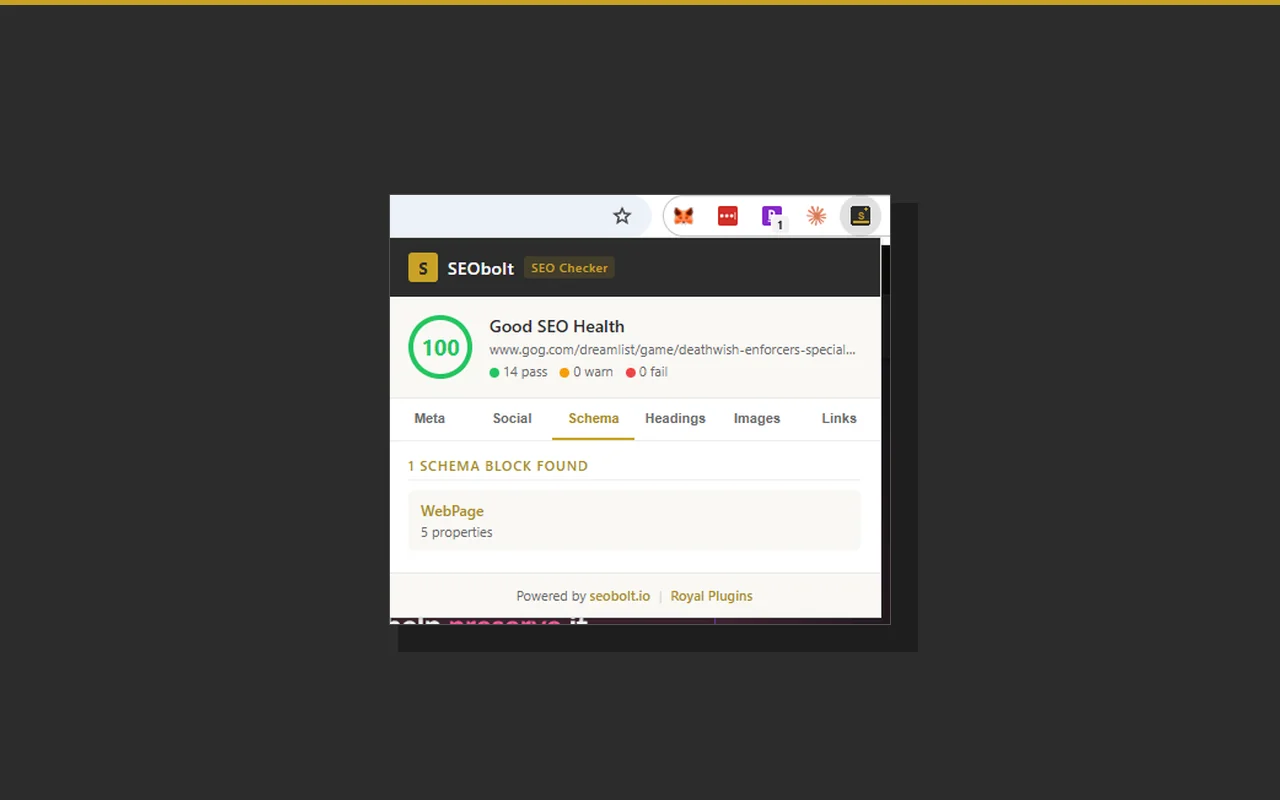
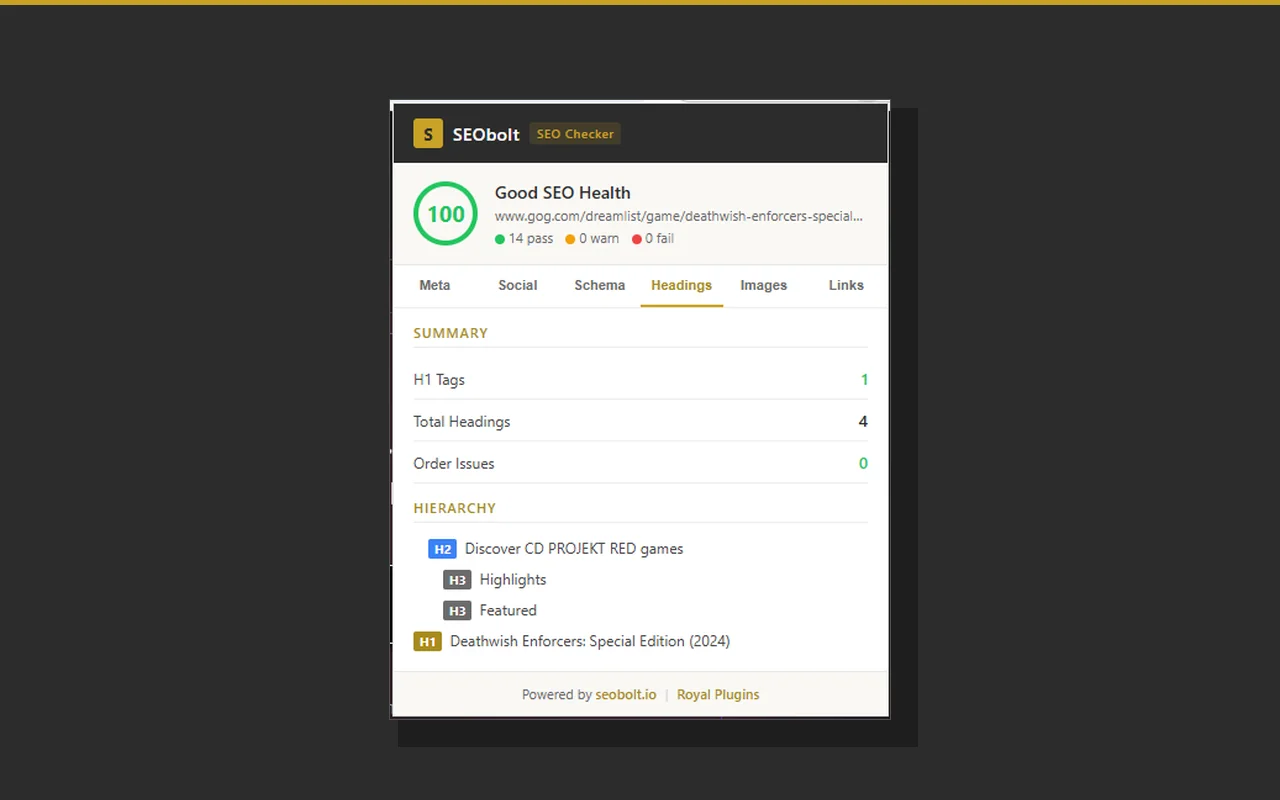
The free SEObolt SEO Checker Chrome extension scores any webpage against the SEO checks that matter most (meta tags, schema, headings, images, and links) with no page data sent to a server. Install it, click the icon, get answers in under two seconds.
Every scan runs dozens of on-page checks across six categories. Each check returns pass, warn, or fail, with the actual value and a hint on how to fix it when it's not perfect.
“Write descriptive and concise text for your <title> elements. Avoid vague descriptors like "Home" for your home page, or "Profile" for a specific person's profile.”
— Google Search Central documentation · Influencing your title links
Title length, meta description, canonical URL, robots, viewport, charset, language, and favicon checks.
Open Graph (og:title, og:description, og:image, og:url, og:type, og:site_name) and Twitter Card completeness.
JSON-LD detection, @context validation, property counts, and structured data type identification per block.
H1 count, heading hierarchy, order issues, and a visual tree view of every H1–H6 on the page.
Missing alt text coverage, missing dimensions, lazy-load detection, and a list of the first missing-alt offenders.
Internal vs. external counts, nofollow links, word count, and DOM element totals, plus flags for thin content or heavy pages.
No login, no settings to configure, no crawl to wait on. Click, scan, fix.
One click to add. No signup, no credit card, no trial timer. The extension weighs under 20 KB and requires only the bare minimum permissions needed to read the active tab.
Visit any URL and click the SEObolt icon. The analyzer runs locally in your browser, parses the page DOM, and computes a score against six SEO categories in about two seconds.
Switch between the Meta, Social, Schema, Headings, Images, and Links tabs to see exactly which checks passed, warned, or failed, and what to change. No export, no report to parse, just the raw answers.
The score card on top tells you the headline number. The tabs below give you the complete breakdown: readable at a glance, fixable in minutes.
The entire SEO analysis runs locally in your browser. We take privacy seriously enough to describe it plainly, not hide behind a 4,000-word legal page.
Events are identified by a randomly-generated anonymous ID stored locally on your device. No email, account, or IP logging. Processed by PostHog. To disable analytics, uninstall the extension. Full detail in the privacy policy.
The Chrome extension is perfect for one-off checks. For ongoing SEO work (tracking rankings over time, watching how ChatGPT and Perplexity cite your brand, auditing hundreds of pages at once), you'll outgrow it fast. That's what the full SEObolt SaaS is for.
Yes, completely free, no signup or account required. Install from the Chrome Web Store and click the icon on any page. No trial timer, no paywall, no upsell to unlock features. The Chrome extension and the full SEObolt SaaS are separate products; the extension will stay free.
No page content, URLs, or browsing history is transmitted. All SEO analysis runs locally in your browser. Starting v1.1.0 we send anonymous usage events (install, scan completion, aggregate score, hostname only, e.g. example.com) to help improve the product. No cookies, no tracking across sites, no PII. Full breakdown in the privacy policy.
Meta tags (title, description, canonical, robots, viewport), Open Graph and Twitter social tags, JSON-LD schema blocks, heading structure (H1–H6), image alt text and dimensions, internal vs external links, nofollow counts, word count, and DOM size. Each check returns pass, warn, or fail with a fix hint.
The Chrome extension gives you an instant, one-off audit of whatever page you're viewing. The full SEObolt SaaS at app.seobolt.io adds daily rank tracking, LLM visibility scoring (ChatGPT, Claude, Perplexity, Gemini, DeepSeek), keyword research, bulk audits across entire sites, historical trend data, Google Search Console integration, and 20+ more features.
Yes. The extension is a standard Manifest V3 Chromium extension and installs cleanly on Brave, Edge, Arc, Opera, and other Chromium-based browsers from the Chrome Web Store.
No. The extension is fully standalone. An account is only needed if you want to use the full SEObolt SaaS platform for ongoing SEO monitoring.
The best free Chrome SEO extension depends on what you audit and how you value privacy. SEObolt SEO Checker gives you a one-click on-page audit with six-category scoring (meta tags, schema, headings, images, links, and structure) that runs entirely locally, meaning your page URLs and content never leave your browser. Most free alternatives either require a signup, send page data to a remote server, or only cover a narrow subset (only meta tags, only links). SEObolt covers the full on-page surface and stays free forever.
Install a browser extension that scores pages locally, without signup. The SEObolt SEO Checker Chrome extension audits any open tab in under two seconds. Click the icon to get a full pass/warn/fail breakdown across meta tags, schema markup, heading structure, images, and links. No email, no trial, no account. For ongoing audits across hundreds of pages the full SEObolt SaaS handles that; for one-off page checks the extension is enough.
SEObolt SEO Checker is one of the few SEO Chrome extensions that runs its full scan locally in your browser. Page content, HTML, and URLs never leave your device. Since v1.1.0 we send anonymous usage events (install and scan counts plus hostname only, e.g. "example.com", never full URLs) to improve the product. If server-side crawling or bulk audits matter to you, use the SEObolt SaaS; for privacy-first one-off audits, the extension is standalone.
Free, local, and available on the Chrome Web Store right now.
Add SEObolt to Chrome